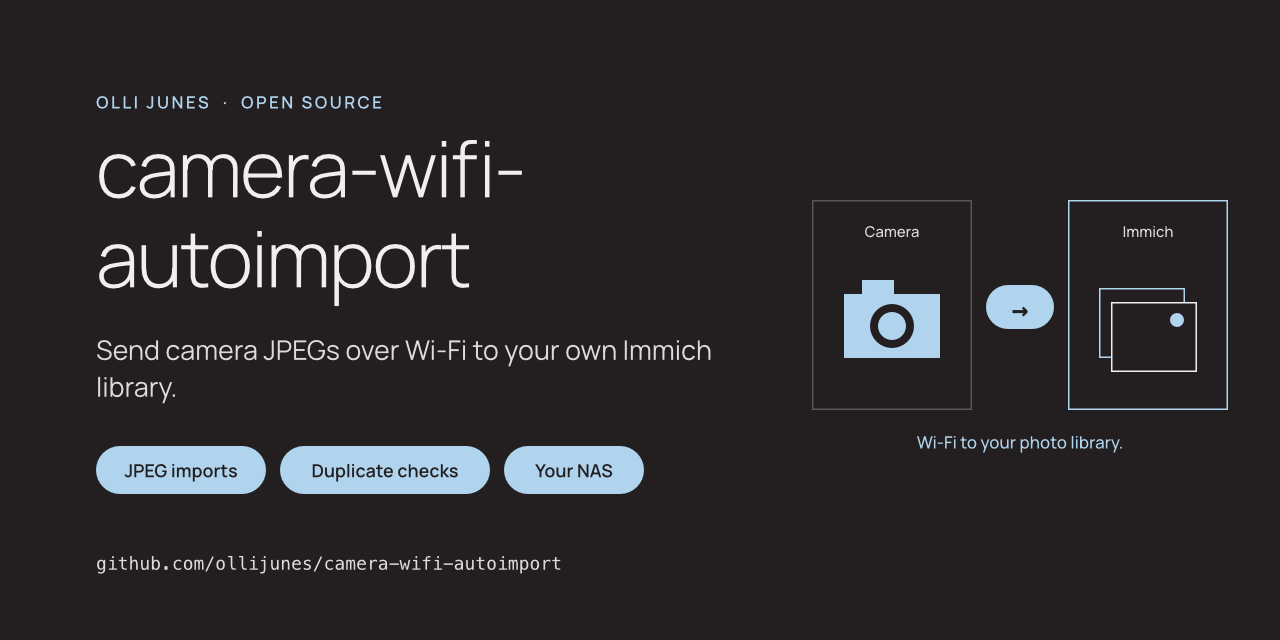
I built an automatic transfer for my Sony A7 IV at home. The camera sends photos over Wi-Fi to my Synology NAS, and an importer adds them to Immich. Immich then handles face recognition and makes the photos searchable in my own library.
I wanted to turn that working setup into something other people could build. The project is called camera-wifi-autoimport. The code and setup instructions are now public on GitHub, with the private settings taken out.
Like totp-migrator, it started with something I needed myself.
How the photos get there
The route is camera → NAS inbox → importer → Immich.
The camera connects to the home network and uploads JPEGs to a dedicated folder on the NAS. A scheduled Python script checks that folder and sends the photos to Immich through its API. Immich stores its own managed copies on the NAS.
Face recognition happens after import. It is an Immich feature, not something I added to the transfer script. Immich groups detected faces; you can name those people and find their photos later. A successful upload does not mean all of those background jobs have finished.
The camera has to be powered and able to transfer. Rejoining Wi-Fi does not necessarily send everything already on its memory card. For the A7 IV, Sony’s FTP guide describes the available transfer controls.
What the importer does
A file can appear in the inbox before the camera has finished writing it. The script waits until it sees the same file unchanged on two runs. It then takes a private snapshot and checks the JPEG’s start and end markers. That catches common interrupted transfers, but it is not a full image decoder.
Each run makes one pass and exits. The scheduler starts it again, leaving at least the configured settling interval between the two file observations.
Before uploading, it asks Immich whether the exact file content already exists. Renaming the same JPEG does not make it a new photo. A different crop or export does: this check compares file bytes, not visual similarity.
The script adds both new uploads and existing duplicates to the selected album. It records completion only after Immich confirms album membership. If an upload succeeds but the album step fails, the next run checks the checksum again and retries the unfinished work.
The importer never deletes or moves the originals. It does not clear the camera card either. That also means the inbox and Immich each need storage.
Other cameras need more than Wi-Fi
The importer reads a folder. It does not use Sony-specific metadata or log into the camera, so another camera can supply the files.
But Wi-Fi alone is not enough. The camera needs FTP or FTPS transfer, or a separate tool that writes complete JPEGs into the inbox. I have not tested other camera brands with this setup. Check the exact model’s capabilities before assuming it will work.
This version handles JPEGs. It leaves RAW files, HEIF, video and sidecars untouched. The script uses Python 3.11 or later and its standard library, on Linux, macOS or a suitable Synology installation. The instructions build on Immich’s Synology installation guide.
Keeping private settings private
The Immich API key belongs in a restricted file outside the repository and camera inbox. The script reads it from there instead of taking it as a command-line argument. Normal logs contain counts and fixed errors, not keys, photo names or server responses.
The camera connection needs care too. Plain FTP sends photos and credentials without encryption. Keep it on a trusted local network; prefer validated FTPS when both devices support it. For the API connection, use verified HTTPS when the importer runs on another machine. The script refuses redirects.
The repository and its history have been scanned and reviewed without findings. That is a check on the material being shared, not a promise that automated tools can recognize every possible secret.
What I have actually tested
My original Sony A7 IV and Synology workflow works at home. The reusable importer is a rewrite, and its test status is separate.
Its automated tests cover transfers, exact duplicates, album membership, retries and failure cases using generated data and a local test server. The reviewed CI run passed on Linux and macOS with Python 3.11 through 3.14. I have not yet completed a physical camera-to-NAS-to-Immich test of this rewrite.
Import is not a backup. I still need separate backups of the photo storage and Immich database, and I need to verify the photos before clearing a card.
Try it
Source code and setup instructions are available on GitHub.
Issues and pull requests are welcome. Use synthetic examples; never attach real photos, configuration files or credentials.