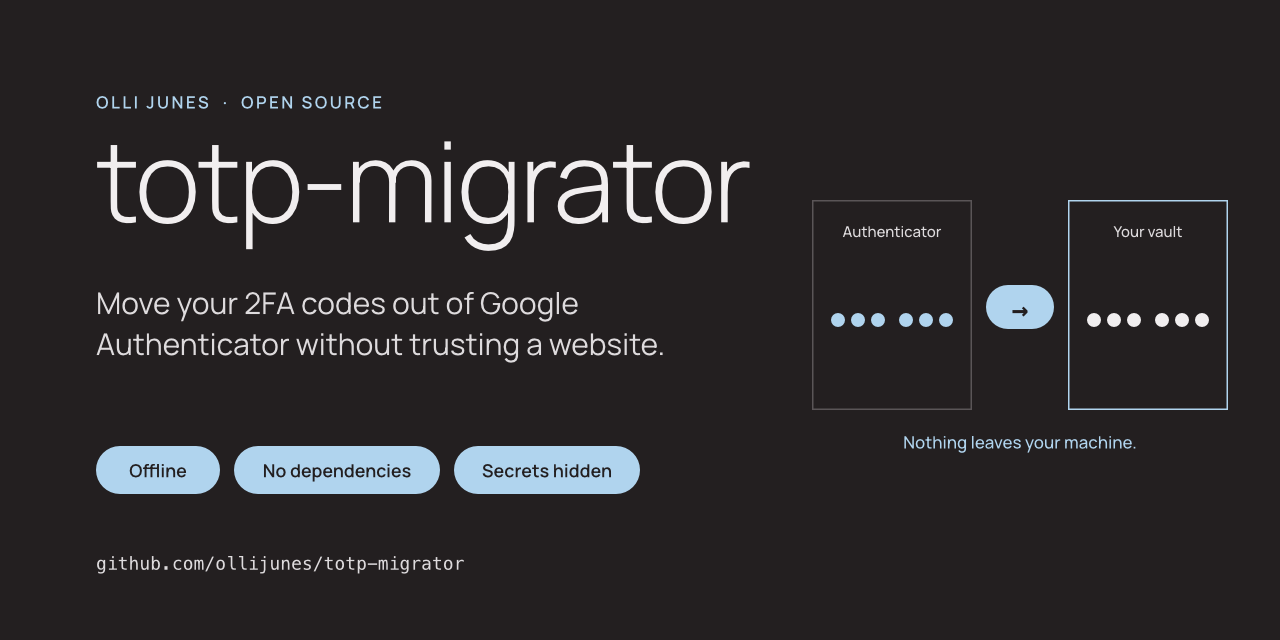
My push to improve my own privacy made me question how much I could trust Google Authenticator with my 2FA secrets. I wanted my codes in a password manager I chose myself. I didn’t want to type every secret into a converter website on the way there.
So I wrote a small offline tool for it. It’s now public: totp-migrator.
The problem
Google Authenticator can export your accounts, but only as QR codes in its own format. 1Password, Bitwarden, Vaultwarden, Aegis and LastPass can’t read those codes. Most of the tools that convert them are web pages. Using one means pasting every two-factor secret you own into somebody else’s JavaScript.
What totp-migrator does
It reads two kinds of input:
- the
otpauth-migration://URI inside every Google Authenticator export QR code (a large export spans several codes, and the tool checks that all of them are there) - standard
otpauth://totp/URIs, which most other authenticators export
It writes an import file for the app you’re moving to: 1Password, Bitwarden or Vaultwarden, Aegis, LastPass, or a plain list of URIs.
totp-migrator decode accounts.txt
totp-migrator export -f bitwarden -o vault.json accounts.txt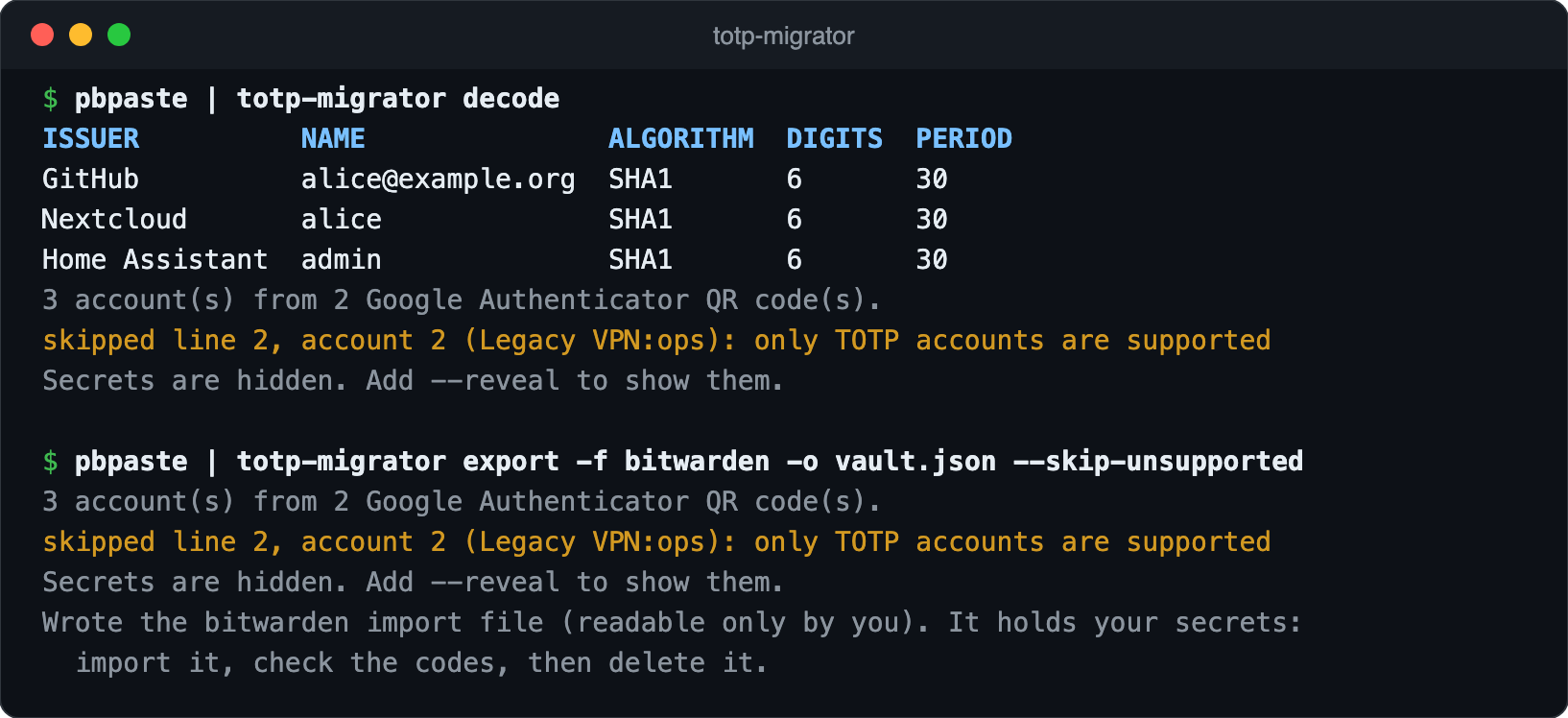
It’s one Python package with no dependencies, so you can read all of it before you trust it with your secrets.
The privacy model
A tool like this handles the keys to every account you protect with 2FA. The defaults have to be strict.
- Nothing goes over the network. A test fails if the package ever imports a networking module.
- Nothing secret on screen by default. You see issuer, account name and settings. Secrets and codes appear only with
--reveal. A final check refuses to print anything that contains a secret, so a future bug fails instead of leaking. - Nothing in your shell history. The tool won’t take URIs as command-line arguments, and it won’t read them from an interactive terminal where they would stay in the scrollback.
- Careful files. On Linux and macOS the export file is readable only by you. The tool never overwrites an existing file.
- Strict parsing. Google never published the export format. If the parser sees anything it doesn’t understand, it stops instead of guessing.
What I actually tested
I don’t want to claim more than I’ve checked, so the README has a Tested with table:
- 1Password: the first version of this tool moved my own accounts with the same item template. Every code matched before I deleted Google Authenticator.
- Bitwarden and Vaultwarden: every change is tested by importing into a real Vaultwarden with the official Bitwarden CLI, and every code is checked.
- LastPass: the CSV is read in the same test by Bitwarden’s LastPass importer. I haven’t imported it into LastPass itself.
- Aegis: the file follows Aegis’s documented format. I haven’t imported it yet.
What it can’t protect
The export file is plaintext, because that’s what the apps import. So are the QR screenshots you feed in. Import the file, compare a few codes between the old and new app, delete the files, and only then remove the accounts from Google Authenticator.
Try it
github.com/ollijunes/totp-migrator
Issues and pull requests are welcome. Please never attach a real QR code, URI or export file. The repository has helpers for building synthetic ones.