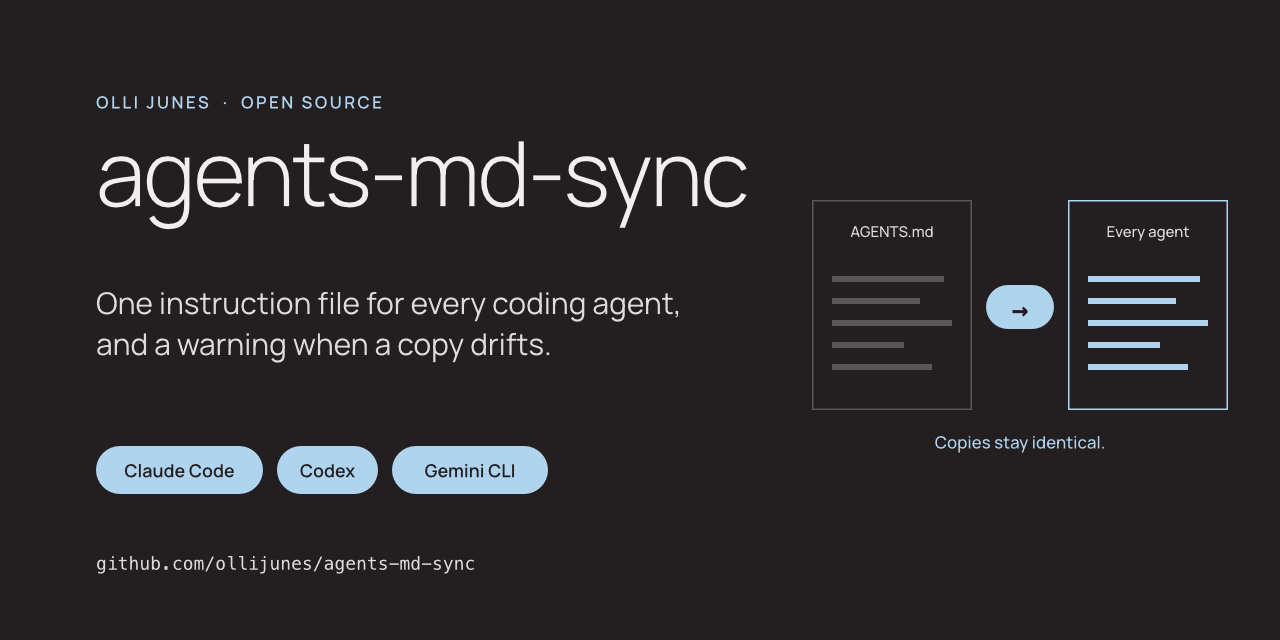
I use more than one coding agent. Each of them reads its instructions from its own file. Claude Code wants ~/.claude/CLAUDE.md. Codex wants ~/.codex/AGENTS.md. Gemini CLI wants ~/.gemini/GEMINI.md. The text in them should be the same, because they are my rules, not the tool's.
Kept by hand, they do not stay the same. You fix a rule in one file and forget the others. Agents also write to these files themselves, so a copy can change without you touching it. So I wrote agents-md-sync.
The problem
Three files with the same content are three chances to be wrong. Nothing tells you when they differ. The agent that reads the old copy does not know it is old. It follows it.
A symlink solves part of this. It stops working the day a tool or a sync service replaces the link with a regular file, and nothing tells you that either.
What agents-md-sync does
You pick one file and edit only that. publish copies it to the place each tool reads. check compares the copies with the source.
The tool remembers what it wrote. That lets it tell two cases apart. A copy that still matches the last publish is stale: the source moved on, and publish updates it. A copy that matches neither the source nor the last publish was edited by someone, and publish stops. It writes nothing, not even to the other tools, until you have looked.
diff shows what changed in the edited copy. You move the lines you want into the source and publish again. If you want none of them, --force overwrites the copy and keeps the old one in a backup folder.
check --quiet prints nothing when all is well and exits with an error code when a copy differs. That makes it a one-line session hook or cron job.
The same tool works inside a repository. A small config file names AGENTS.md as the source and CLAUDE.md and GEMINI.md as copies, and check in CI fails when they differ.
Safety
The copies are written to a temporary file and renamed into place, so an agent never reads half a file. The tool refuses a source that is empty, cut off or larger than 32 KiB, the size at which Codex stops reading by default. It never writes through a symlink.
A config file found in a repository is confined to that repository. It can only use relative paths inside its own folder. Running publish in a project you cloned cannot replace the instruction file in your home folder. A security review of the first version found exactly that hole, and the fix has its own tests.
What I have tested
The tests build a home folder in a temporary directory and never read the real one. They cover a first publish, a stale copy, an edited copy, a forced overwrite with its backup, symlinks, a failed write, and eight ways a repository config could try to reach outside its folder. CI runs them on Linux and macOS with Python 3.11 to 3.14.
I have run the whole flow by hand against a synthetic home folder. The examples in the README are that output.
I have used the same idea as a short shell script on my own machines. This tool is a rewrite of it with the checks the script did not have. I have not yet moved my own setup to it.
What it does not do
The copies are identical. There is no section for one tool only and no conversion between formats. If one agent needs different rules, use something else. It does not merge an edited copy for you. It has built-in locations for four tools; any other tool is a path you add yourself. Windows is untested.
Try it
The code is at github.com/ollijunes/agents-md-sync. Run init with the file you want to edit, then check, then publish. If a tool already has an instruction file, the first publish stops and shows you. That is on purpose.
Issues and pull requests are welcome. Please describe problems with synthetic files, not with your own instructions.