I have a folder of clones. Tools I build from source, libraries I read, dotfile collections I borrow ideas from. Every few weeks I run git pull in each of them. I rarely look at what came in.
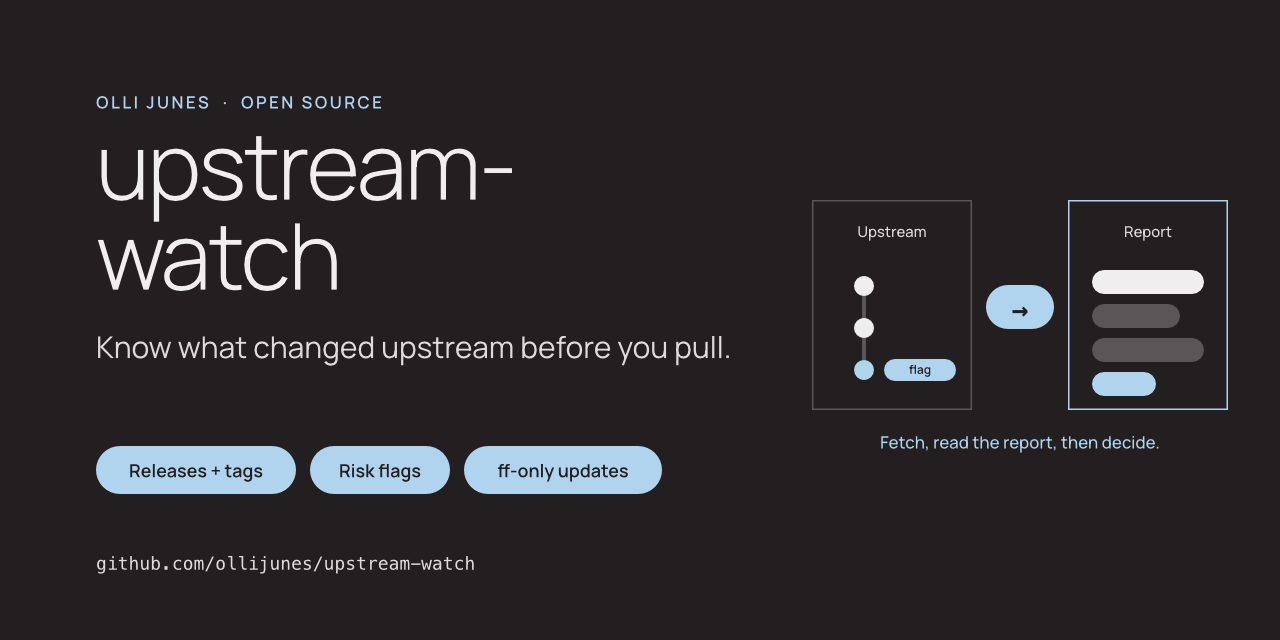
That is a habit I wanted to break, because some of those tools run with my own credentials. So I wrote upstream-watch. It fetches, reads, and tells me what changed before I pull.
The problem
A clone of a public repository is a quiet dependency. It has no lock file and no review. Whatever the maintainer pushed, you build and run.
Most of the time that is fine. The cases that are not fine look alike: a tag that moved, a rewritten branch, a new person who changed the install script, a release that is no longer signed. None of these are visible in the output of git pull.
What upstream-watch does
It finds the GitHub clones under the folders you name and skips the ones you own. For each clone it runs git fetch and nothing else that touches your working tree. Then it compares with the last check and writes a Markdown report.
The report lists new releases with their notes, new tags, and a changelog of the incoming commits grouped by type. It also shows where your local branch stands.
Then come the flags.
- High: a force-push, a tag that points somewhere else than last time, or a repository that changed owner or name.
- Review: a default branch change, an unsigned tag after signed ones, new author identities that wrote most of the new commits or touched build files, changes to ownership files, and changes to install scripts, build hooks or CI. Also new executables, new binaries, and an added line that pipes a download into a shell.
- Info: archived, a fork, a shallow clone, a detached HEAD.
A flag is a reason to read the diff. The tool says so in every place it can, because a large pull request from a new contributor looks the same to it as a new maintainer.
Updating
Updating is a separate command and a separate decision. upstream-watch update asks per repository and fast-forwards to the exact commit the report described, without fetching again. It refuses when the clone is dirty, ahead, detached, in the middle of a rebase, not checked in the last day, or carries a high flag. It never merges or rebases for you.
For repositories you trust, an allowlist in the config lets the scheduled check update them on its own, unless a high flag is present.
Where it sits
myrepos and gita run Git commands across many repositories and do that well. upstream-watch does not replace them. It answers a narrower question: what is coming, and is it safe to pull. The README has a table.
What I have tested
The tests build upstream repositories and clones in a temporary folder, push a force-push, move a tag, change an install script, and talk to a local fake GitHub API. CI runs them on Linux and macOS with Python 3.11 to 3.14. No test reaches the network.
I have also run the whole flow by hand against fixture repositories: a baseline check, an upstream force-push with a changed installer, a second check that flagged both, and an update that refused.
I have not yet pointed it at my own clone folder. That is the next step, and I expect the maintainer heuristic to need tuning once it sees real projects.
What it does not do
It is GitHub only. It does not verify signatures, only reports whether a tag has one and what GitHub says about it. Its flags are heuristics, and a clean report is not a guarantee. Without a GitHub token it makes two API calls per repository and falls back to git when the hourly limit is reached.
Try it
The code is at github.com/ollijunes/upstream-watch. Run init with your GitHub name and your clone folder, then list, then check. Read one report before you install the schedule.
Issues and pull requests are welcome. Please describe problems with the fixture repositories from the tests, not with a report from your own machine.