I use MCP servers of my own with Claude Code and Codex. They let the AI clients call tools on servers I control, instead of on someone else’s platform. People have asked how the setup works. I could not just share the code, because it is tied to my own services, hosts and data.
So I wrote a template from scratch, with nothing copied from my own setup: mcp-bridge-template.
The problem
The Model Context Protocol has good examples, but most of them run the server as a local process that the client starts. That is fine on a laptop. It is not how you run a server that several clients share, on a home server or a small VPS.
As soon as the server runs as a service, you need answers to boring questions. Who may call it? Where does the token live? What happens when the service behind it is down? How do you know it is healthy? Is anything exposed to the internet by accident?
What the template does
It has two containers in Docker Compose.
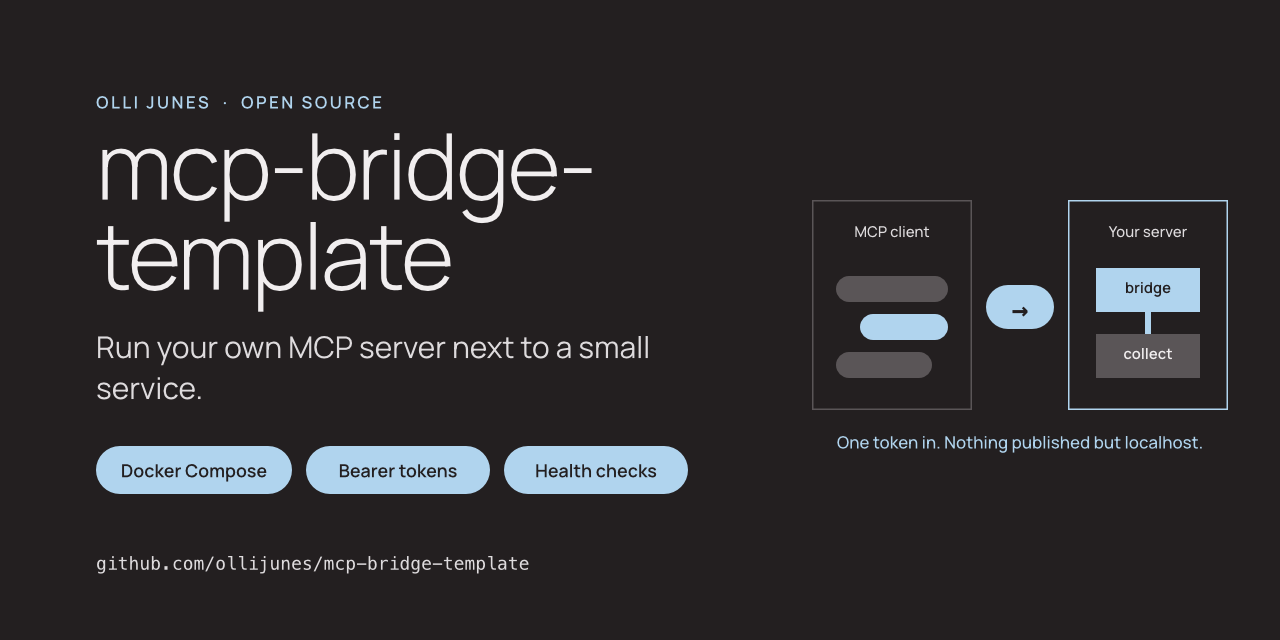
collectis a tiny notes API written with only the Python standard library. It is there as an example of “your own service”.bridgeis an MCP server on the official MCP Python SDK. It turns collect’s endpoints into three tools: add a note, list notes and check health.
You replace collect with your own service and write tools for it. The token checks, health checks, container settings and tests stay.
The bridge speaks Streamable HTTP. Claude Code, Codex CLI and the MCP Inspector can all connect to it with one command, and the README shows each.
How it is kept closed
- Two tokens. One for MCP clients, one between the bridge and collect. A client that knows the first cannot call collect directly.
- Tokens come from an
.envfile that never goes into Git or an image. Both services refuse to start without them. - Collect has no published port at all. The bridge listens on localhost only.
- The containers run as a normal user with a read-only filesystem and no extra Linux permissions.
- Collect answers errors with fixed messages, and the bridge never passes the service’s error details or stack traces on to the client.
What I have tested
Both services have automated tests, including an MCP client that talks to the bridge over HTTP. CI also builds the images, starts them with Compose and runs a smoke test: health, a refused request without the token, and real tool calls with it.
What it does not do
There is no TLS. If you want to reach the bridge from another machine, put a reverse proxy with TLS in front of it, or use a private network. There are no user accounts or rate limits either. One token means one person and their own clients.
The SECURITY file lists these limits, and the guide for adding tools ends with the questions to ask before you hand a tool to a model.
Try it
The code is at github.com/ollijunes/mcp-bridge-template. Copy .env.example, create two tokens, and run docker compose up.
Issues and pull requests are welcome. Please never paste a real token, hostname or log from your own deployment.