I use Claude Code and Codex every day. Over time they collect a lot: how I like code written, which commands a project needs, what went wrong last time. Claude Code writes it into memory files. I write my own instructions into CLAUDE.md and AGENTS.md.
None of it is in Git by default. I already back up my own files with scripts that only work on my machines. This tool is the version I can share: agent-memory-sync.
The problem
The easy fix is to put all of ~/.claude and ~/.codex into a Git repository. That is the wrong fix. Those folders also hold every session transcript, your prompt history, sign-in files and caches. Transcripts are large, and they often contain whatever you pasted into a session, keys included.
What you actually want to keep is small: a few instruction files, the memory folders, your own skills and commands, and settings.
What agent-memory-sync does
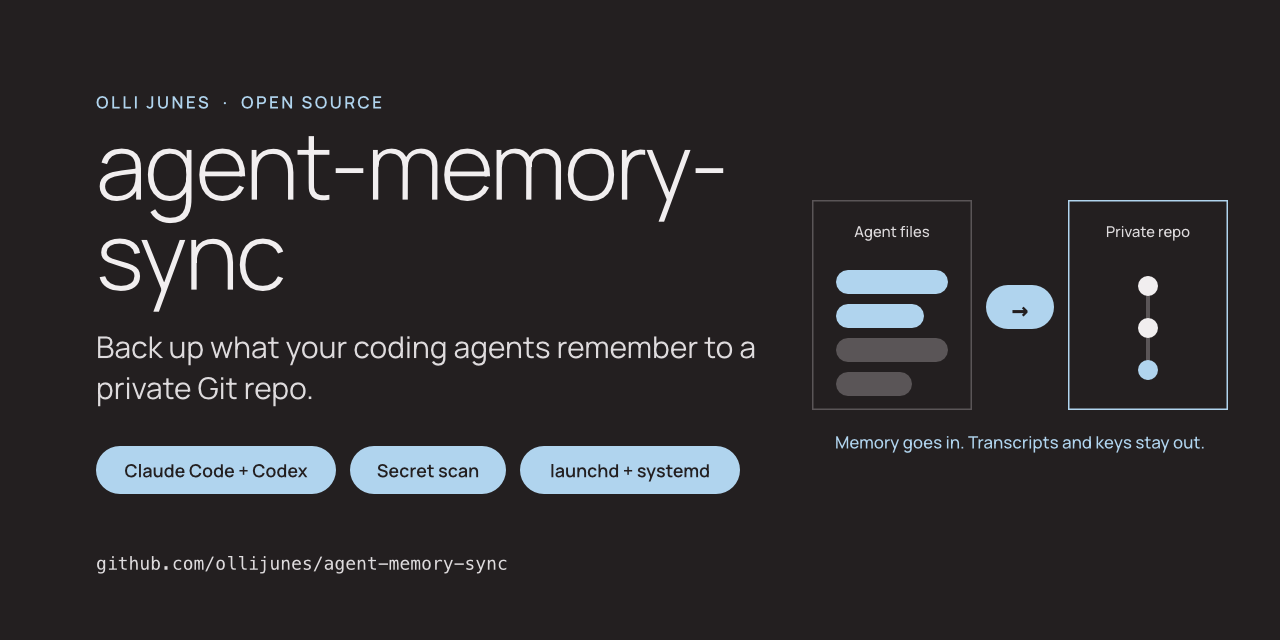
It copies an allowlist of files into a separate Git repository that you own, then commits and pushes.
- Only memory, instruction and config files are copied. Transcripts, credential files, databases, caches and logs are always excluded, and your own config cannot bring them back.
- Folders from sessions started in a temporary directory are skipped.
- Every machine gets its own folder, so one backup repository can hold several machines.
- launchd on macOS or a systemd timer on Linux runs it every day. A run missed while the computer sleeps happens later.
agent-memory-sync plan lists every file and the rule that included or skipped it, before anything is written.
Secrets come first
Memory files are prose. A memory note can easily say “the API key for the test server is …” because that is what you told the agent. So the tool never copies straight into Git.
It copies the files into a private temporary folder first. Gitleaks and a built-in scanner both read that folder. If either finds something, the run stops, and the backup repository is not touched. The output names the file, the line and the rule, never the value.
False positives happen, because memory files talk about tokens and keys. You can allowlist them, but the tool never does it for you.
What I have tested
The tests run on Linux and macOS with Python 3.11 to 3.14 in CI. They use a synthetic home folder and never read real agent files. One test runs the real Gitleaks binary against the example files.
I have also run the whole flow by hand against a synthetic home folder: setup, a dry run, a backup with a push, a second run with no changes, and a planted fake key that stopped the run.
I have not yet moved my own backup over to it.
What it does not do
The scan finds known key formats and obvious assignments. It cannot tell that a sentence is private. A customer name or an internal hostname passes the scan. The backup repository has to stay private.
The files are plain text in Git, so your Git host can read them. There is no encryption. Project-level CLAUDE.md and AGENTS.md files are not copied, because they belong in each project’s own repository. Windows is not supported.
Try it
The code is at github.com/ollijunes/agent-memory-sync. Install it with uv tool install, run init with an empty private repository, check plan, then schedule install. The restore guide covers a new machine.
Issues and pull requests are welcome. Please never paste a real memory file, transcript or key, and describe problems with made-up files.